

The tool is personalized for each screen of the application and to access it you just click on the “i” pictogram in the top-right menu. The information is displayed in pop-up windows.
To view the Student UI, click here
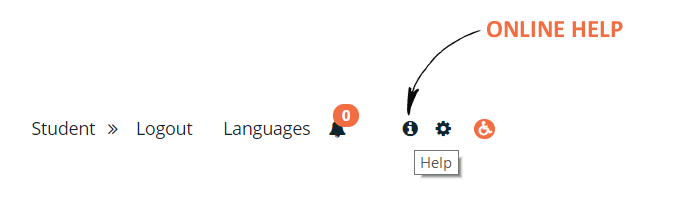


The tool is personalized for each screen of the application and to access it you just click on the “i” pictogram in the top-right menu. The information is displayed in pop-up windows.
To view the Student UI, click here